Mobile product · Usability research
Mobile parking app for professionals
Five professional drivers tried the complete parking flow. The overall usability score looked healthy; their hesitations told a more useful story.
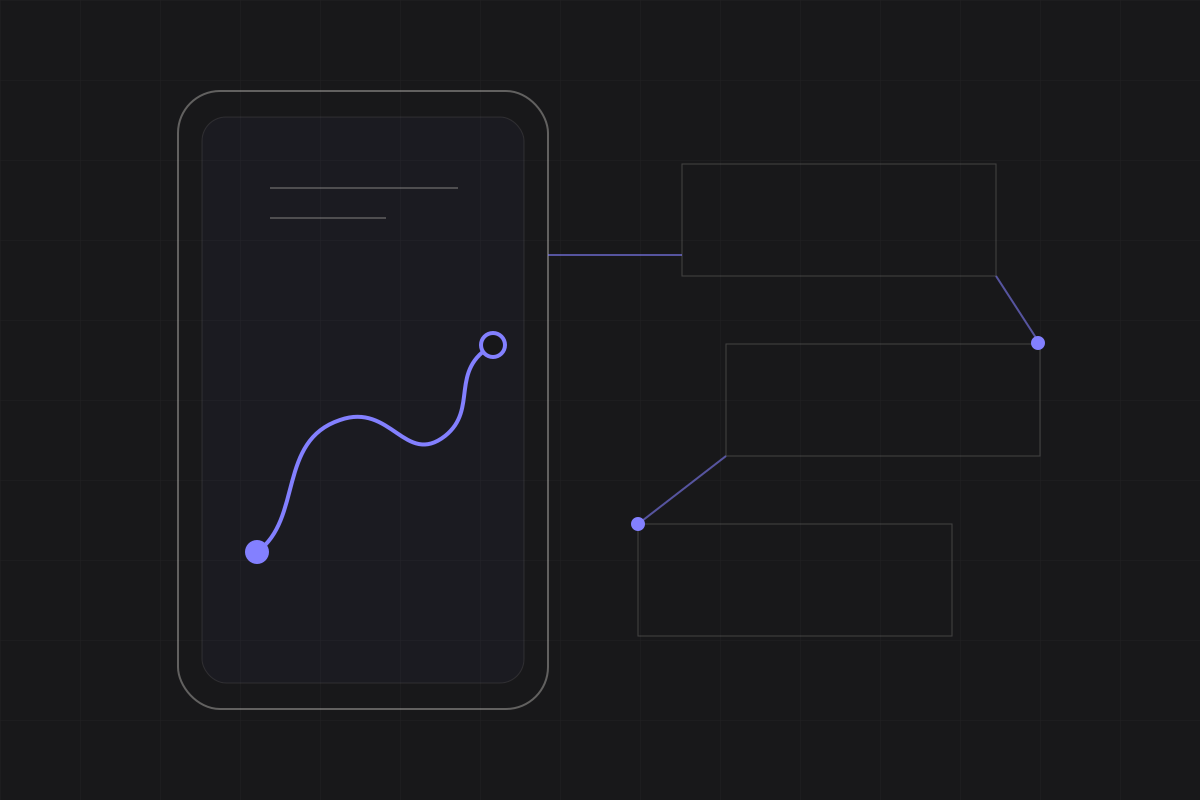
The complete parking journey, with the points where participants paused or retraced a step.
The usability challenge
Could professional drivers complete the full parking flow without guidance, and which moments needed redesign before the next iteration?
We followed the real sequence: create an account, find a space, check in and check out. Looking at the journey as a whole kept small interface problems connected to the pressures of a working day.
The workshop
One complete journey through the app
- Before the session
Walk the flow and learn the drivers’ routines
A heuristic pass identified likely trouble spots. A short discussion of routes, schedules and parking constraints put them in context.
- During the session
Let each driver work through the core tasks
Participants worked aloud through the core journey, then completed a questionnaire and talked through the moments that had felt uncertain.
- Afterwards
Put the score back beside the recordings
Errors and pauses were mapped to the journey. Changes were ranked by whether they blocked a task, created doubt or merely slowed someone down.
The task notes, put back in order
Task notes sat beside the SUS score.
Task notes were placed back on the sequence drivers had followed, making isolated pauses and wrong turns easier to discuss as part of the working day.
What happened in the room
Participants completed the flow, but several actions caused pauses.
People understood the value of the service and learned the main flow quickly. Account creation, unfamiliar icons and specialist terms still made them stop and ask what to do.
- 01
Observed flow
Where people hesitated or chose the wrong action
Account creation, address entry and unfamiliar action icons created friction despite an otherwise learnable flow.
- 02
Comprehension
Where labels and status cues needed context
Dots, scan-based check-in and domain-specific terminology required clearer explanations or more familiar wording.
- 03
Perceived value
Why the service mattered in daily work
Participants connected the service to finding spaces more quickly, reducing wasted time and avoiding disruption to deliveries.
For the next iteration
What I handed to the redesign team
The handover combined a persona, journey map and screen-level notes covering visibility, terminology, onboarding and action feedback.